Introduction: Why Internal Linking Is One of the Easiest SEO Wins You’re Probably Ignoring
If you run a blog, a side hustle website, or an online business, you already know that getting traffic from Google is everything.
But here is the thing most beginners miss: you do not always need more backlinks or new content to rank higher. Sometimes, all you need is smarter internal linking.
Internal linking best practices are one of the most underused SEO strategies out there. They are free, fast to implement, and can seriously move the needle on your rankings.
In this guide, you will learn exactly what internal linking is, why it matters, and how to do it the right way, even if you are a complete beginner.
Let us get into it.
This guide is part of our SEO category, where you’ll find tutorials on keyword research, technical SEO, internal linking, and growing organic traffic.
What Is Internal Linking? (And Why Should You Care?)
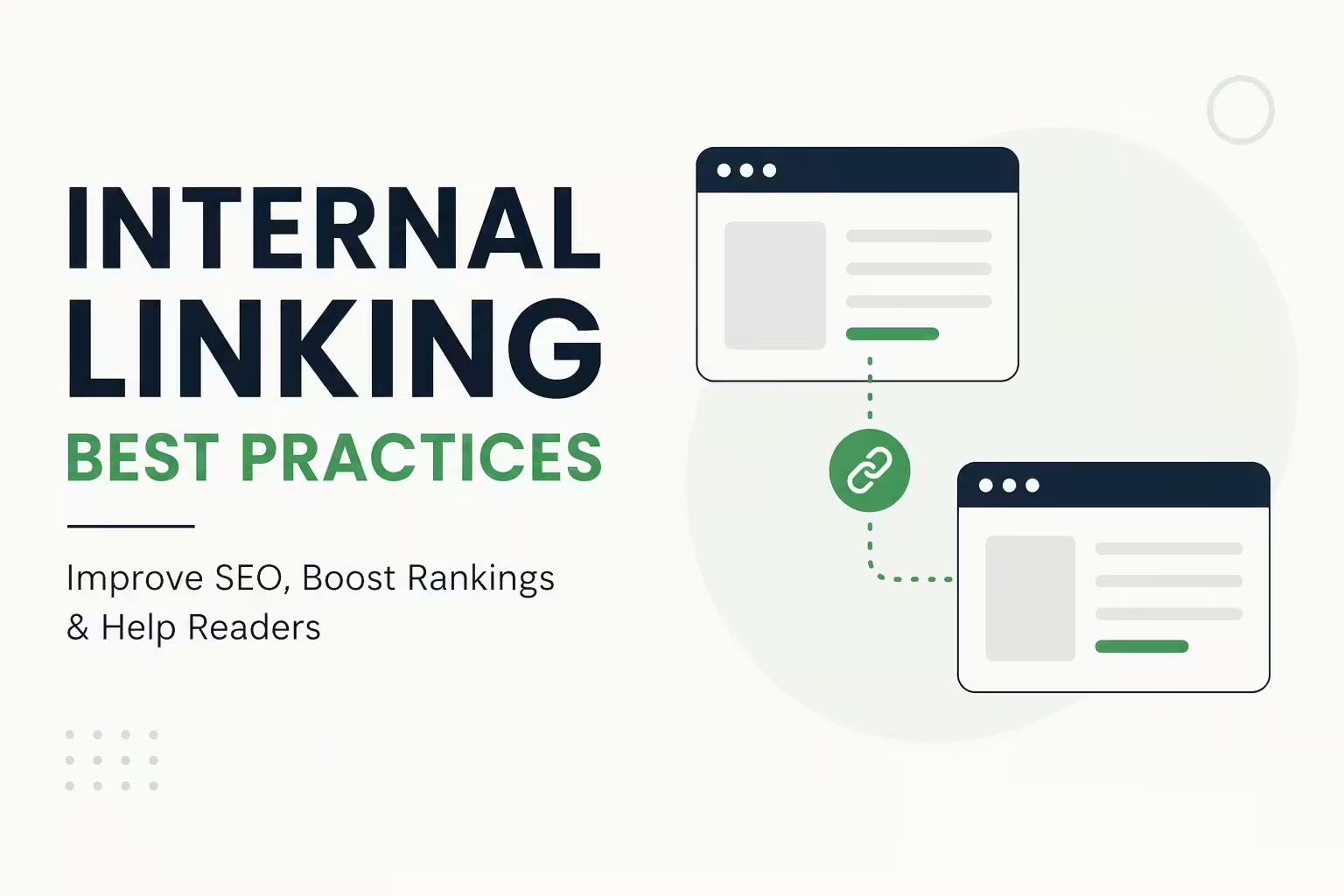
An internal link is a hyperlink that points from one page on your website to another page on the same website.
For example, if you write a blog post about “how to start a blog” and you link to your other post about “the best blogging tools,” that is an internal link.
Simple, right?
But do not let the simplicity fool you. Internal links do three powerful things:
- They help Google discover and crawl your pages faster
- They pass what SEO experts call “link equity” or “PageRank” from strong pages to weaker ones
- They keep readers on your site longer, which reduces bounce rate and increases engagement
The longer someone stays on your website and the more pages they visit, the better your chances of making money, whether through ads, affiliate links, or your own products.
How Internal Linking Actually Works (The Simple Version)
Think of your website like a city.
Your homepage is the city center. Your blog posts and landing pages are neighborhoods. Internal links are the roads connecting everything.
If a neighborhood has no roads leading to it, nobody can find it, including Google’s crawlers.
When Google sends its bots to crawl your site, they follow links from page to page. If a page has no internal links pointing to it, it becomes what SEO experts call an “orphan page.” Google may never find it, which means it will never rank.
On the flip side, when you link to a page from multiple other pages, you are basically telling Google, “Hey, this page is important.” Google takes that signal seriously.
Internal Linking Best Practices You Should Start Using Today
Here is the practical part. These are the internal linking best practices that bloggers, entrepreneurs, and SEO professionals actually use to grow their traffic.
1. Use Descriptive, Keyword-Rich Anchor Text
Anchor text is the clickable text in a hyperlink.
Bad example: Click here to learn more.
Good example: Learn more about keyword research for beginners.
The second version tells both Google and the reader exactly what the linked page is about.
Tips for good anchor text:
- Use the target page’s primary keyword when it makes sense
- Keep it natural, do not force keywords in awkward places
- Avoid generic phrases like “click here,” “read more,” or “this post”
- Mix it up slightly, use variations of the keyword instead of the exact same phrase every time
2. Link to Your Most Important Pages More Often
Not all pages on your website are equal.
You probably have a few “pillar pages” or money pages. These might be your best affiliate review, your services page, your lead magnet, or your most comprehensive guide.
Those pages deserve more internal links pointing to them.
Here is a simple strategy:
- Identify your top 5 to 10 most important pages
- Every time you write a new blog post, look for natural opportunities to link to those key pages
- Over time, those pages will build up internal authority and rank higher
Think of it like voting. Every internal link is a vote of confidence for that page.
3. Link Deep Into Your Site, Not Just to the Homepage
Many beginners make this mistake. They only link to their homepage or their contact page.
Google already knows your homepage exists. What it needs help finding is your deep content, the posts buried three or four clicks away from the homepage.
Make a habit of linking to:
- Older blog posts that are still relevant
- Resource pages or guides that go into more detail
- Category or topic pages
- Product or service pages that relate to the content
This is called “deep linking,” and it dramatically improves how Google crawls and indexes your entire website.
4. Add Internal Links Within the Body of Your Content
The best place to add internal links is within the natural flow of your article, not just at the end in a “related posts” widget.
Contextual links, which are links placed within the body text, carry much more SEO weight than sidebar or footer links.
Why? Because they have context around them. Google reads the surrounding text to understand what the linked page is about.
For example: If you are writing about email marketing and you naturally mention “growing your subscriber list,” that is the perfect place to link to your post about list-building strategies.
The link feels natural to the reader and sends a clear signal to Google.
5. Follow the Three-Click Rule
Ideally, any page on your website should be reachable within three clicks from the homepage.
If a reader or Google bot has to click more than three times to find a page, it is probably not getting enough attention.
To fix this:
- Link to important older posts from your newer, high-traffic posts
- Add a “Start Here” or “Best Of” page that links to your top content
- Use category pages to organize and link to related posts
This improves what SEO experts call “site architecture,” and it makes your website easier for both users and search engines to navigate.
6. Do Not Over-Link a Single Page
Yes, internal links are good. But cramming 30 links into a single 800-word post is a red flag.
It looks spammy to Google and it confuses readers who do not know where to click.
A healthy rule of thumb:
- Add 2 to 5 internal links per 1,000 words
- Only link when it genuinely adds value to the reader
- Space links throughout the article, not all in one paragraph
Quality always beats quantity in SEO. A few well-placed, relevant links beat a dozen random ones every time.
7. Fix Orphan Pages Immediately
An orphan page is a page on your website that has zero internal links pointing to it.
This is a serious SEO problem. If no other page links to it, Google may not crawl it at all. Even if Google does find it, the page will have no internal authority.
How to find orphan pages:
- Use free tools like Google Search Console or Screaming Frog (free version available)
- Log into your CMS and check pages that have never been linked to
- Use Ahrefs or Semrush if you have access to paid tools
Once you find them, go into your older posts and add relevant links to those orphan pages. It takes maybe 10 minutes per page and can make a huge difference.
8. Use Internal Links to Guide Readers Through Your Sales Funnel
This one is huge for bloggers and entrepreneurs who want to make money online.
Your internal links can act as a guided path that moves readers from awareness to purchase.
Here is a simple example:
- A reader finds your post: “What Is Affiliate Marketing?”
- You link internally to: “Best Affiliate Programs for Beginners”
- That page links to: “Honest Review of [Affiliate Product X]”
- That page has your affiliate link
You just walked a reader from curiosity to conversion using nothing but smart internal links.
This is how top bloggers consistently earn from their content, even from posts written years ago.
9. Update Old Posts With New Internal Links
Every time you publish a new blog post, go back to your older relevant posts and add a link to your new content.
This does two things:
- It helps Google discover your new post faster
- It passes some authority from your established posts to your new one
Most content creators forget this step. Do not be one of them.
Set a reminder in your calendar. After every new post goes live, spend 15 minutes finding two or three older posts where you can naturally insert a link to it.
This habit alone can dramatically speed up how quickly new posts get indexed and start ranking.
10. Use a Consistent Site Structure and Topic Clusters
The most advanced internal linking strategy is building topic clusters.
Here is the idea:
- Write one big “pillar post” that covers a broad topic in depth
- Write several smaller “cluster posts” that go deep on specific subtopics
- Link all cluster posts back to the pillar post
- Link the pillar post out to each cluster post
For example, if your pillar post is “The Ultimate Guide to SEO for Beginners,” your cluster posts might be:
- How to Do Keyword Research
- On-Page SEO Checklist
- How to Build Backlinks
- Internal Linking Best Practices (like this very post)
This structure tells Google that your website is an authority on the entire topic. It groups related content together and helps every post in the cluster rank better.
Common Internal Linking Mistakes to Avoid
Even experienced bloggers get these wrong. Here is what to watch out for:
Using the same anchor text every time. Repeating the exact same phrase over and over can look unnatural to Google. Mix it up with variations.
Linking to irrelevant pages. Only link to pages that genuinely relate to the content. Random links confuse readers and dilute your SEO signals.
Ignoring broken links. If a page you linked to gets deleted or the URL changes, you now have a broken internal link. Use Google Search Console or a plugin like Broken Link Checker (for WordPress) to catch these.
Only linking forward, not backward. Always link new posts back to old ones AND go back and link old posts to new ones. Both directions matter.
Forgetting about mobile users. Make sure your links are easy to tap on mobile. Tiny links clustered together frustrate mobile readers and increase bounce rate.
Tools That Make Internal Linking Easier
You do not need to do this all manually. Here are some helpful tools:
- Google Search Console – Free. Shows which pages are indexed, how they perform, and helps find crawl issues.
- Yoast SEO or Rank Math – WordPress plugins that suggest internal links as you write.
- Link Whisper – A paid WordPress plugin specifically built for internal linking. Suggests links automatically.
- Screaming Frog – Crawls your entire site and shows you orphan pages, broken links, and link structure. Free up to 500 URLs.
- Ahrefs or Semrush – Premium tools that show your full internal link profile and opportunities.
Start with the free tools. Once your website grows and starts earning, investing in premium tools pays off quickly.
How Long Does It Take for Internal Links to Improve SEO?
This is one of the most common questions beginners ask.
The honest answer: it depends.
Some bloggers see improvements in Google rankings within a few weeks of fixing their internal links. Others take a few months.
The factors that affect speed include:
- How often Google crawls your site (newer sites get crawled less often)
- The overall authority of your website
- How competitive your keywords are
- How consistently you publish and update content
The key is to be consistent. Do not add 50 internal links in one day and then ignore it for six months. Make it a regular part of your publishing workflow.
Quick Internal Linking Checklist for Every Post
Before you hit publish on any new content, run through this list:
- Added 2 to 5 internal links to relevant older posts
- Used descriptive, keyword-rich anchor text
- Linked to at least one high-priority or pillar page
- Went back to 2 to 3 older posts and linked them to this new post
- Made sure all links open correctly and go to the right page
- Avoided over-linking or using the same anchor text repeatedly
This checklist takes less than five minutes and makes a significant difference in your SEO over time.
Conclusion: Start Implementing Internal Linking Best Practices Today
Internal linking best practices are not complicated, but they are incredibly powerful.
You do not need an expensive tool or an advanced degree in SEO to get started. You just need to be intentional and consistent.
Start small. Pick your top five most important pages. Then, every time you write new content, find natural ways to link to those pages. Go back to older posts and update them with links to your newer content.
Over time, these small actions compound. Your pages start ranking higher. Readers stay on your site longer. Your affiliate links, ads, and products get more clicks.
This is not a get-rich-quick trick. It is a real, proven SEO strategy that every successful blogger and online business owner uses.
The best time to start was when you published your first post. The second best time is right now.
Frequently Asked Questions (FAQs)
What is the best anchor text for internal links?
The best anchor text is descriptive and relevant to the page you are linking to. Use natural phrases that include the target page’s primary keyword. Avoid generic phrases like “click here” or “read more.”
How many internal links should I have per blog post?
A good rule of thumb is 2 to 5 internal links per 1,000 words. The key is relevance, not quantity. Always link only when it genuinely adds value for the reader.
Do internal links help SEO?
Yes, significantly. Internal links help Google discover and crawl your pages, pass authority between pages, and keep users engaged on your site longer, all of which contribute to better rankings.
What is an orphan page in SEO?
An orphan page is a page on your website that has no internal links pointing to it. Since Google discovers pages by following links, orphan pages may not get indexed or ranked. Fix them by adding relevant internal links from other posts.
What is the difference between internal and external links?
An internal link connects two pages on the same website. An external link (also called a backlink when pointing to you, or an outbound link when pointing away) connects your page to a different website.
Can too many internal links hurt SEO?
Too many irrelevant or forced internal links can make your content look spammy and confuse readers. Keep it natural, purposeful, and relevant. Quality over quantity always wins in SEO.
How do I find pages that need more internal links?
Use Google Search Console to find underperforming pages, then check if they have enough internal links pointing to them. Tools like Screaming Frog can also show you your full internal link structure and highlight orphan pages.
Recommended posts:
- Passive Income Ideas Through Blogging: The Beginner’s Complete Guide (2026)
- Common Blogging Mistakes Beginners Make (And How to Fix Them Fast)
- How to Write Blog Posts That Rank on Search Engines (Complete Beginner’s Guide)
- Best Blog Monetization Methods for Beginners: How to Make Money Blogging in 2026
- Freelancing for Beginners: The Complete Guide to Starting and Earning Online in 2026