Introduction: Why Pillar Content Is the Secret to Long-Term SEO Success
If you’ve been blogging for a while but still struggling to get traffic, the problem might not be your writing. It might be your content structure.
That’s where pillar content comes in.
Pillar content is one of the most powerful SEO strategies available today. It helps Google understand your website, boosts your search rankings, and keeps readers coming back for more.
In this guide, you’ll learn exactly how to create pillar content from scratch — even if you’re a complete beginner. Whether you’re a blogger, freelancer, student, or entrepreneur trying to grow online, this guide is for you.
Let’s dive in.
Find similar topics in Blogging category.
What Is Pillar Content? (Simple Definition)
Pillar content is a long, comprehensive piece of content that covers a broad topic in depth. It acts as the central “hub” of your content strategy.
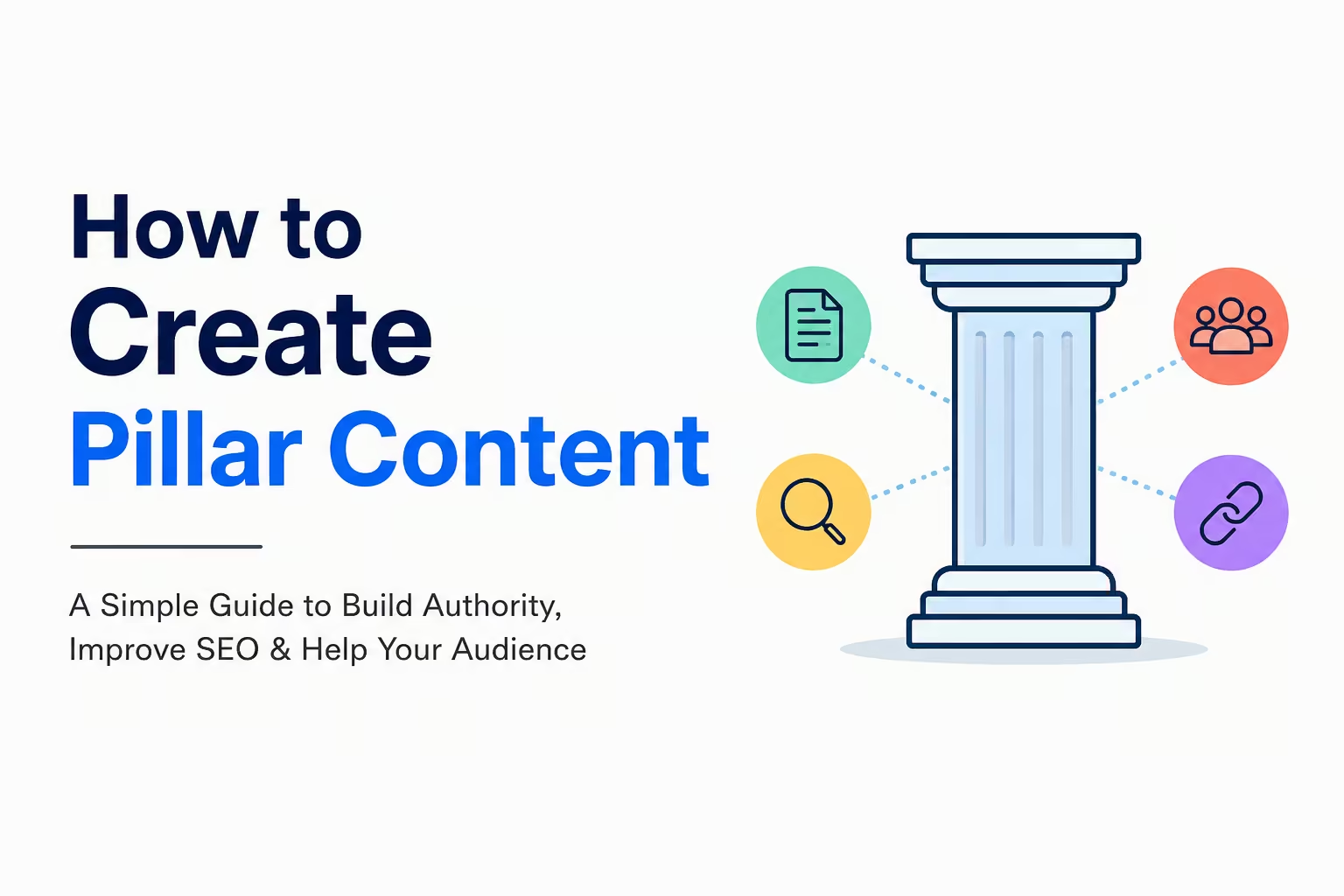
Think of it like a tree trunk. The pillar page is the trunk. The smaller blog posts (called cluster content) are the branches that support it.
Example:
- Pillar page: “The Complete Guide to Email Marketing”
- Cluster posts: “How to Write a Welcome Email,” “Best Email Marketing Tools,” “How to Grow Your Email List Fast”
Each cluster post links back to the pillar page. And the pillar page links out to each cluster post. This internal linking structure signals to Google that your site is an authority on that topic.
Why Pillar Content Matters for SEO and Your Business
Before you learn how to create pillar content, it helps to understand why it works so well.
Here’s what pillar content does for you:
- Boosts your Google rankings by organizing your content around topics, not just keywords
- Increases time on site because readers explore your linked cluster posts
- Builds topical authority, which Google rewards with higher search positions
- Generates passive traffic for months or even years after you publish
- Creates monetization opportunities through affiliate links, digital products, or services
- Improves internal linking, which spreads SEO value across your website
In short, pillar content is not just good for SEO. It’s a smart business move.
Step-by-Step Guide: How to Create Pillar Content That Ranks
Step 1: Choose the Right Topic for Your Pillar Page
The first step in creating pillar content is picking the right topic. This is the most important decision you’ll make.
Your pillar topic should:
- Be broad enough to support 5–15 related cluster posts
- Be relevant to your niche or business
- Have real search demand (people are actively searching for it)
- Match your audience’s goals or pain points
Good pillar topic examples:
- “How to Start a Freelance Business” (for freelancers)
- “Beginner’s Guide to Investing” (for personal finance blogs)
- “How to Grow on Instagram” (for social media marketers)
- “Complete Guide to Remote Work” (for job seekers or side hustlers)
How to validate your topic:
- Type your topic idea into Google and check the results
- Use free tools like Google Keyword Planner, Ubersuggest, or AnswerThePublic
- Look for a search volume of at least 1,000–10,000 monthly searches
- Check if the top results are already long-form guides (this confirms pillar content works for this topic)
Step 2: Do Deep Keyword Research
Once you’ve chosen your topic, it’s time to find all the related keywords you should cover.
Types of keywords to find:
- Primary keyword: The main topic (e.g., “pillar content”)
- Semantic keywords: Related terms Google associates with your topic (e.g., “content hub,” “topic clusters,” “SEO content strategy”)
- Long-tail keywords: Specific phrases with lower competition (e.g., “how to create pillar content for beginners,” “what is a pillar page in SEO”)
- People Also Ask questions: Questions Google already shows in search results
Free keyword research tools:
- Google Search (use the autocomplete and “People also ask” section)
- Google Keyword Planner
- Ubersuggest (free version)
- AnswerThePublic
- KeywordSheeter
Pro tip: Type your topic into Google and scroll down to the “Related searches” section. Those are goldmines for long-tail keywords to include naturally in your content.
Step 3: Plan Your Content Structure
A pillar page without a clear structure is just a long blog post. Real pillar content is organized, scannable, and easy to navigate.
Here’s a simple pillar page structure that works:
- Introduction — Hook the reader, introduce the topic, include your primary keyword
- What Is [Topic]? — Define the topic clearly for beginners
- Why It Matters — Explain the benefits or importance
- Step-by-Step Guide — The core how-to section (this is the longest part)
- Tools and Resources — Recommend helpful tools (great for affiliate marketing)
- Common Mistakes to Avoid — Add a warnings section for credibility
- FAQ Section — Target “People Also Ask” questions
- Conclusion with CTA — Wrap up and tell readers what to do next
Why this structure works:
- It answers what, why, and how — the three things every searcher wants
- The FAQ section helps you appear in Google’s featured snippets
- The tools section creates natural monetization points
- Short sections with headings improve readability and reduce bounce rate
Step 4: Write Your Pillar Content (The Right Way)
Now comes the actual writing. Here’s how to write pillar content that both Google and real humans love.
Follow these writing rules:
- Keep paragraphs short — 2 to 4 sentences max
- Use simple language — Write at a Grade 6–8 reading level
- Use H2 and H3 headings — Break up your content into clear sections
- Add bullet points and numbered lists — These improve scannability and feature snippet chances
- Include real examples — Don’t just explain concepts; show them in action
- Use transition words — Words like “first,” “next,” “however,” and “as a result” help readability
- Avoid keyword stuffing — Mention your primary keyword naturally, not repeatedly
- Write for intent — Ask yourself: “What does someone searching this keyword actually want to learn?”
How long should a pillar page be?
Most pillar pages are between 2,000 and 5,000 words. Some go even longer depending on the topic. The goal is not to be the longest — it’s to be the most complete and useful.
A quick tip for beginners: Start by outlining all the questions your audience might have about your topic. Then write content that answers every single one of them. If you do that, length will take care of itself.
Step 5: Create Your Cluster Content (Supporting Blog Posts)
Your pillar page is only half the strategy. The other half is your cluster content.
Cluster posts are shorter blog posts (usually 800–1,500 words) that dive deep into one subtopic from your pillar page.
Example cluster content for the pillar “How to Start a Blog”:
- “How to Choose a Blog Niche in 2025”
- “Best Web Hosting for Beginners”
- “How to Write Your First Blog Post”
- “How to Drive Traffic to a New Blog”
- “How to Make Money Blogging as a Beginner”
The linking rule:
- Every cluster post should link back to the pillar page
- The pillar page should link out to every cluster post
- This creates a content hub that Google rewards with higher rankings
Step 6: Optimize Your Pillar Page for SEO
Writing great content is not enough. You also need to optimize it so Google can find it.
On-page SEO checklist for pillar content:
- Include your primary keyword in the title tag
- Include your primary keyword in the first 100 words
- Add your keyword to at least 2–3 H2 headings
- Write a meta description with your keyword (under 160 characters)
- Use your keyword in the URL slug (keep it short and clean)
- Add alt text to all images
- Include internal links to your cluster posts and other relevant pages
- Add external links to credible sources (this builds trust with Google)
- Use schema markup if possible (FAQ schema works especially well for pillar pages)
For featured snippets:
- Answer questions in 40–60 word paragraphs
- Use numbered lists for how-to content
- Use tables for comparison content
- Start answers with a direct definition
Step 7: Publish, Promote, and Update Your Pillar Content
Publishing is not the finish line. It’s the starting line.
After you publish your pillar content, do this:
- Share it on social media — Pinterest, LinkedIn, Facebook groups, Twitter/X
- Send it to your email list — If you have one, this is the fastest way to get initial traffic
- Submit it to Google Search Console — This speeds up indexing
- Reach out for backlinks — Email bloggers in your niche and let them know your resource exists
- Repurpose it — Turn it into a YouTube video, podcast episode, or social media carousel
- Update it regularly — Refresh your pillar content every 6–12 months with new information, updated stats, and fresh examples
Why updating matters: Google favors fresh content. A pillar page you update regularly will outperform a static page that hasn’t been touched in years.
Common Mistakes to Avoid When Creating Pillar Content
Even great writers make these mistakes. Watch out for them.
Mistake #1: Picking a topic that’s too narrow
If your topic can only support 2–3 blog posts, it’s not a pillar topic. Go broader.
Mistake #2: Writing thin content
Pillar content should be comprehensive. If you’re covering a topic in 600 words, you’re not writing a pillar page — you’re writing a short blog post.
Mistake #3: Ignoring internal linking
Without internal links connecting your pillar page and cluster posts, Google can’t see the relationship between them. Always link strategically.
Mistake #4: Only targeting high-competition keywords
As a beginner, focus on long-tail keywords first. They’re easier to rank for and still bring in targeted traffic.
Mistake #5: Publishing once and forgetting
Pillar content is not a “set it and forget it” strategy. Update it, refresh it, and keep building cluster content around it.
Tools That Make Creating Pillar Content Easier
Here are the best free and paid tools to help you every step of the way:
For keyword research:
- Google Keyword Planner (free)
- Ubersuggest (free/paid)
- Ahrefs or SEMrush (paid — worth it when you can afford it)
For content writing:
- Google Docs (free and collaborative)
- Hemingway App (checks readability level)
- Grammarly (grammar and clarity)
For SEO optimization:
- Yoast SEO or RankMath (WordPress plugins)
- Google Search Console (free — tracks your rankings)
- Screaming Frog (checks internal links)
For promotion:
- Buffer or Later (social media scheduling)
- Mailchimp (free email marketing up to 500 subscribers)
- Pinterest (great for driving blog traffic for free)
How to Monetize Your Pillar Content
Here’s the exciting part. Pillar content is a powerful way to make money online.
Ways to monetize pillar pages:
- Affiliate marketing — Add affiliate links to tools and products you recommend (great for the “Tools” section)
- Digital products — Link to your own eBook, course, or template related to the topic
- Email list building — Add a content upgrade or freebie to capture email subscribers
- Sponsored content — Once you have traffic, brands will pay to be featured
- Consulting or freelancing — Use your pillar content to demonstrate expertise and attract clients
- Display ads — Monetize traffic through Google AdSense or Mediavine
Realistic expectations: Don’t expect overnight results. Pillar content takes 3–6 months to start ranking consistently. But once it does, it works for you 24/7 without extra effort.
Conclusion: Start Creating Pillar Content Today
Now you know exactly how to create pillar content that ranks, drives traffic, and builds real authority online.
To recap, here’s what you need to do:
- Choose a broad, high-demand topic in your niche
- Research primary, semantic, and long-tail keywords
- Plan a clear, structured outline
- Write comprehensive, beginner-friendly content
- Build cluster posts and link them to your pillar page
- Optimize for SEO and featured snippets
- Publish, promote, and update regularly
Pillar content is not a shortcut. It’s a long-term strategy. But for bloggers, freelancers, entrepreneurs, and side hustlers who commit to it, the results are worth every hour of effort.
Start with one pillar page. Build around it. And watch your traffic grow.
Frequently Asked Questions (FAQs) About Pillar Content
Q1: What is pillar content in simple terms?
Pillar content is a long, detailed guide that covers a broad topic completely. It acts as the main page in a content cluster, with shorter blog posts linking back to it.
Q2: How long should a pillar page be?
Most pillar pages are between 2,000 and 5,000 words. The goal is to be the most complete resource on your topic, not just the longest.
Q3: How many cluster posts do I need for a pillar page?
Aim for at least 5–10 cluster posts per pillar page. The more high-quality cluster content you have, the stronger your topical authority becomes.
Q4: Can beginners create pillar content?
Absolutely. You don’t need to be an SEO expert. You just need to understand your audience, pick the right topic, and commit to writing comprehensive, helpful content.
Q5: How long does it take for pillar content to rank on Google?
It typically takes 3–6 months for pillar content to rank well, depending on your domain authority and competition. Be patient and keep building cluster content while you wait.
Q6: Is pillar content the same as a cornerstone article?
They’re very similar. Cornerstone content is a term used by Yoast SEO. Pillar content is the broader SEO strategy term. Both refer to your most important, comprehensive pieces of content.
Q7: Do I need a WordPress website to use pillar content strategy?
No. You can use pillar content on any website platform — WordPress, Wix, Squarespace, Blogger, or even a Medium publication. The strategy works regardless of the platform.
Q8: How often should I update my pillar content?
Update your pillar pages every 6–12 months. Refresh outdated statistics, add new sections, improve clarity, and make sure all internal and external links still work.