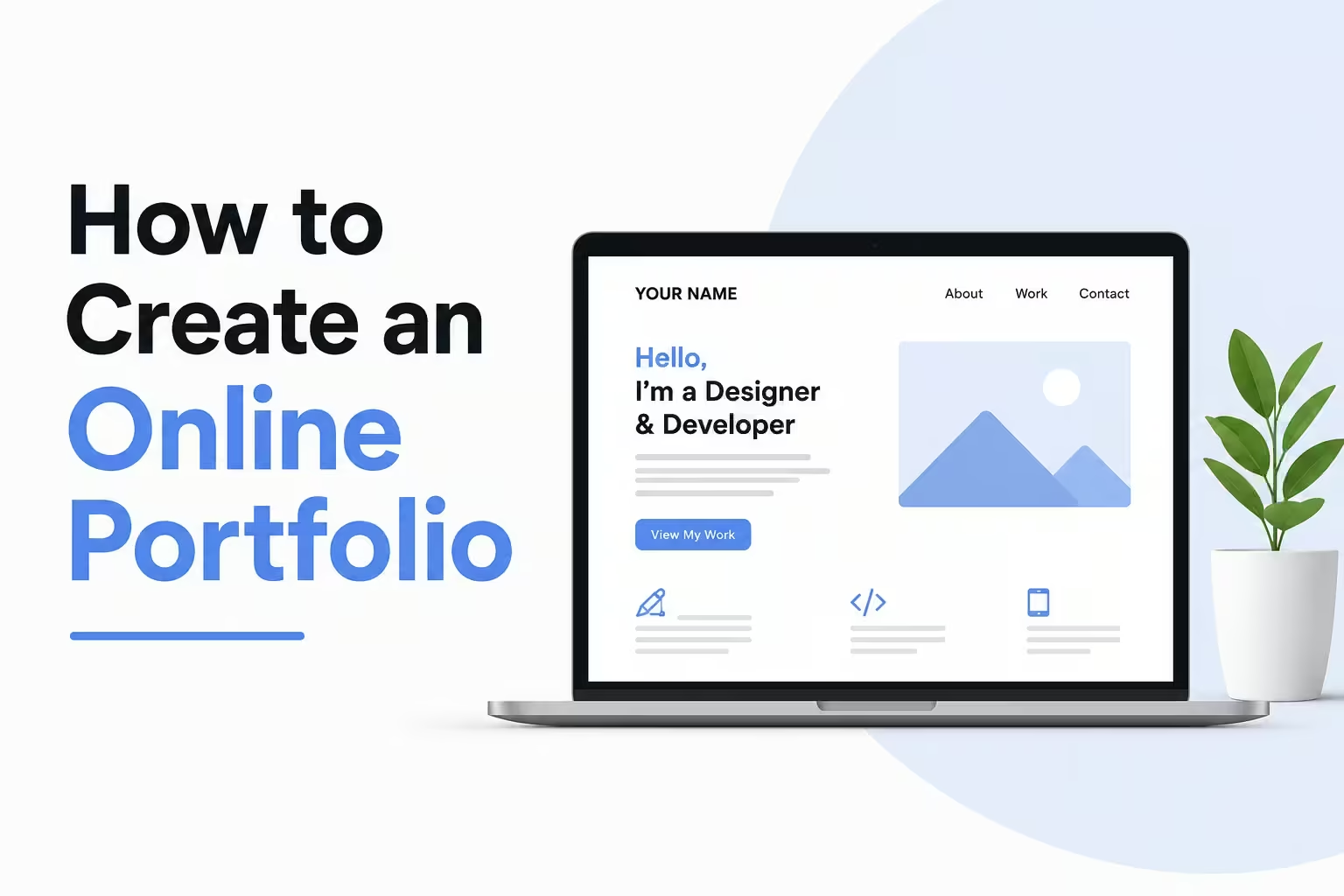
Introduction: Why You Need an Online Portfolio Right Now
If you want to get hired, land freelance clients, or grow your personal brand, you need an online portfolio.
It doesn’t matter if you’re a student, a blogger, a designer, or a complete beginner. A portfolio is your digital handshake. It shows the world what you can do before you ever say a word.
And here’s the truth: most people skip this step. That means creating an online portfolio instantly puts you ahead of the competition.
In this guide, you’ll learn exactly how to create an online portfolio step by step — even if you have zero tech experience, no clients yet, and no idea where to start.
Let’s dive in.
Find similar topics in Freelancing & Online Work category.
What Is an Online Portfolio?
An online portfolio is a website or digital page that showcases your work, skills, and experience.
Think of it as your personal highlight reel — available 24/7, accessible from anywhere in the world.
It can include:
- Writing samples or blog posts
- Design work or photography
- Projects you’ve built or contributed to
- Case studies showing results you’ve delivered
- Your resume, bio, and contact information
Unlike a traditional resume, a portfolio shows what you can do instead of just telling people about it.
Who Needs an Online Portfolio?
Almost everyone can benefit from having one. Here’s a quick breakdown:
- Freelancers — designers, writers, developers, marketers
- Students — to stand out during job applications
- Job seekers — to back up your resume with real proof
- Bloggers and content creators — to showcase your published work
- Entrepreneurs and side hustlers — to build credibility and attract customers
- Photographers, artists, and videographers — to display visual work professionally
Even if you’re just starting out, a portfolio helps you look professional and trustworthy.
Step 1: Choose What to Include in Your Portfolio
Before you build anything, you need to decide what goes inside it.
This is where most beginners get stuck. They think they need years of experience or dozens of projects. They don’t.
Start with what you have right now:
- Student projects — class assignments, group work, presentations
- Personal projects — a blog, a side project, something you built for fun
- Volunteer work — anything you’ve done for free counts as real experience
- Spec work — create sample pieces specifically for your portfolio (for example, write a mock blog post for a brand you admire)
Pro tip: Quality beats quantity every time. Five strong pieces beat twenty average ones. Curate ruthlessly.
Step 2: Pick the Right Platform to Build Your Portfolio
This is one of the most common questions beginners ask: Where should I build my online portfolio?
The good news is that you have plenty of excellent, beginner-friendly options.
Best Portfolio Platforms for Beginners
1. WordPress.com or WordPress.org
- Great for bloggers, writers, and versatile creatives
- Tons of free and premium themes
- WordPress.org gives you full control (requires hosting)
- Best for: writers, bloggers, marketers
2. Wix
- Drag-and-drop builder, no coding needed
- Beautiful templates designed for portfolios
- Free plan available (with Wix branding)
- Best for: visual creatives, photographers, designers
3. Squarespace
- Stunning, modern designs
- Great for visual portfolios
- Paid plans only (usually worth it)
- Best for: photographers, artists, designers
4. Behance
- Free platform owned by Adobe
- Huge creative community
- Great for designers, illustrators, and photographers
- Best for: visual artists looking for exposure
5. LinkedIn
- Not a traditional portfolio, but highly professional
- Add work samples, projects, and links
- Recruiters actively search here
- Best for: corporate job seekers and professionals
6. GitHub
- Free and industry-standard for developers
- Showcases code and projects
- Best for: developers and software engineers
7. Notion
- Simple, clean, and free
- Easy to set up quickly
- Best for: students, beginners, and minimalists
Recommendation for beginners: Start with Wix or Notion. They’re fast, free to start, and easy to use. You can always upgrade later.
Step 3: Set Up Your Portfolio Website
Once you’ve picked your platform, it’s time to build.
Follow this simple structure:
The 5 Pages Every Portfolio Needs
1. Home Page
This is your first impression. Keep it clean and clear. Include:
- Your name and what you do
- A headline that instantly communicates your value (example: “I help small businesses grow with compelling content”)
- A call-to-action button (example: “View My Work” or “Hire Me”)
2. About Page
Tell your story in a human, relatable way. Include:
- Who you are and your background
- What you specialize in
- Why you do what you do
- A professional photo (this builds trust significantly)
3. Portfolio/Work Page
This is the heart of your site. For each project, include:
- The project title
- A short description of the problem you solved
- Your role in the project
- The result or outcome (use numbers when possible — for example, “increased traffic by 40%”)
- A link or visual of the work
4. Services or Skills Page
Clearly list what you offer and what you’re good at. Keep it simple. Use bullet points. Avoid jargon.
5. Contact Page
Make it incredibly easy to reach you. Include:
- A contact form or your email address
- Links to your social profiles
- Your location (city and country is enough)
Step 4: Write Compelling Portfolio Content
Your content is what converts visitors into clients or employers.
Here’s what to focus on:
Write a Strong Headline
Don’t just say “I’m a graphic designer.” Instead, say: “I design brand identities that help startups look credible and attract investors.”
That’s specific. That’s compelling. That makes someone want to keep reading.
Use the STAR Format for Project Descriptions
For each portfolio piece, use this simple framework:
- Situation — What was the challenge?
- Task — What were you asked to do?
- Action — What did you do specifically?
- Result — What happened because of your work?
Example: “A local bakery needed help growing their Instagram following. I created a 30-day content strategy and designed post templates for them. Within one month, their following grew by 800 people and online orders doubled.”
That’s a portfolio entry that sells itself.
Always Include Results
Numbers are powerful. Whenever possible, show measurable outcomes:
- “Wrote 10 blog posts that collectively got 50,000 views”
- “Designed a logo that helped the client win a pitch competition”
- “Built a website that cut the client’s bounce rate by 25%”
No results yet? That’s okay. Describe the process and the skills you used instead.
Step 5: Optimize Your Portfolio for SEO
If you want your portfolio to show up on Google, you need basic SEO.
Here’s what to do:
Use Your Name and Skills in Key Places
- Page titles (example: “Jane Doe | Freelance Content Writer”)
- Meta descriptions (a short summary of each page)
- Image alt text (describe every image you upload)
- URL structure (keep it clean: yourname.com/blog-writing-samples)
Target the Right Keywords
Think about what potential clients or employers might type into Google:
- “Freelance graphic designer for hire”
- “UX portfolio examples”
- “Hire a content writer”
Include these phrases naturally throughout your site — don’t force them.
Write a Blog or Resources Section
A blog helps your portfolio rank for more keywords over time. Even publishing one post per month adds up. Write about topics in your niche — tips, tutorials, case studies, lessons learned.
This also demonstrates expertise, which builds trust.
Step 6: Make Your Portfolio Look Professional (Even on a Budget)
You don’t need to spend thousands on design. But you do need to look credible.
Quick Design Tips for Beginners
- Keep it simple. White space is your friend. Don’t cram everything onto one page.
- Use 2–3 colors maximum. Stick to a consistent color palette.
- Pick readable fonts. Avoid decorative fonts for body text. Stick to clean, simple options.
- Use high-quality images. Blurry photos instantly kill credibility. Use free tools like Unsplash or Pexels for stock images.
- Make it mobile-friendly. More than 60% of web traffic comes from mobile devices. Always check how your portfolio looks on a phone.
- Add a professional headshot. A real photo of yourself significantly increases trust.
Free tools to help with design:
- Canva — for graphics, banners, and visual elements
- Unsplash / Pexels — for free stock photos
- Google Fonts — for free, professional fonts
- Coolors.co — for choosing a color palette
Step 7: Share and Promote Your Portfolio
Building your portfolio is just the beginning. Now you need to get it in front of people.
How to Promote Your Online Portfolio
- Add it to your email signature — every email you send becomes a marketing opportunity
- Share it on LinkedIn — post an update announcing your new portfolio
- Include it in social media bios — Instagram, Twitter/X, TikTok
- Post in relevant Facebook groups or communities — freelancing groups, job boards, niche forums
- Submit it to directories — sites like Clutch, Upwork profile, Toptal, or niche job boards
- Send it directly to potential employers or clients — a cold email with a great portfolio link works better than most people think
Common Mistakes to Avoid When Creating Your Portfolio
Even smart people make these mistakes. Watch out for them:
- Including too much work. More isn’t better. Curate only your best pieces.
- Neglecting the About page. People hire people, not just skills. Tell your story.
- No clear call-to-action. Every page should tell visitors what to do next.
- Forgetting to update it. Add new work regularly. An outdated portfolio signals inactivity.
- Making it hard to contact you. If someone can’t find your email in 10 seconds, they’ll leave.
- Using a free subdomain forever. A URL like yourname.wix.com looks less professional than yourname.com. Get a custom domain as soon as you can (usually $10–15 per year).
⚠️ Warning: Watch Out for These Scams
If you’re building a portfolio to find freelance work or make money online, be careful:
- Avoid “clients” who ask for free work without any agreement. Always use a basic contract.
- Be skeptical of job listings that promise unusually high pay for no experience.
- Don’t pay to submit your portfolio to job boards. Legitimate boards are free or have transparent pricing.
- Protect your original work. Add watermarks to design work and use copyright notices.
Pros and Cons of Having an Online Portfolio
Pros
- Works for you 24/7 — even while you sleep
- Builds credibility instantly
- Helps you rank on Google for your name and skills
- Makes it easier to charge higher rates
- Gives you something concrete to share with anyone
Cons
- Takes time and effort to set up properly
- Needs regular updating to stay relevant
- May require a small investment for a custom domain and hosting
- Can feel overwhelming for complete beginners (but this guide helps!)
Conclusion: Start Your Online Portfolio Today
Creating an online portfolio doesn’t have to be complicated or expensive. The most important thing is to start — even if it’s not perfect yet.
Pick a platform, gather your best work, write clear descriptions, and put it online. Then share it everywhere you can.
Your online portfolio is one of the highest-return investments you can make in your career or business. It works for you constantly, opens doors you didn’t even know existed, and separates you from the 90% of people who never bother to create one.
So take action today. Your future clients, employers, and opportunities are one portfolio link away.
Frequently Asked Questions (FAQs)
Q: How do I create an online portfolio with no experience?
Start with personal projects, student work, or spec pieces you create yourself. Everybody starts with zero experience — the key is showing what you’re capable of, not just what you’ve done professionally.
Q: How much does it cost to create an online portfolio?
You can start completely free using platforms like Wix, Behance, Notion, or GitHub. A custom domain name typically costs $10–15 per year, and premium hosting plans range from $5–$30 per month.
Q: What should I put in my portfolio if I’m a beginner?
Include class projects, personal projects, volunteer work, spec work, and any relevant samples you’ve created. The goal is to show your skills and thinking process, not just finished client work.
Q: Which platform is best for an online portfolio?
It depends on your field. Wix and Squarespace work great for visual creatives. WordPress is ideal for bloggers and writers. GitHub is the standard for developers. Behance is popular among designers and artists.
Q: How long does it take to create an online portfolio?
A basic portfolio can be set up in a few hours using a platform like Wix or Notion. A more polished, comprehensive portfolio may take a weekend or a few days to complete properly.
Q: Do I need coding skills to create an online portfolio?
No. Platforms like Wix, Squarespace, and Notion require zero coding knowledge. However, if you’re a developer, building your own portfolio from scratch is a great way to demonstrate your skills.
Q: How often should I update my portfolio?
Aim to update it every one to three months, or whenever you complete a significant project. An active, current portfolio signals professionalism and ongoing activity to potential clients.
Find helpful posts here:
- Best Blog Monetization Methods for Beginners: How to Make Money Blogging in 2026
- How Much Money Can You Make from Blogging? (Real Numbers + Honest Advice)
- How to Start Freelancing with No Experience (Complete Beginner’s Guide)
- Passive Income Ideas Through Blogging: The Beginner’s Complete Guide (2026)